When something doesn’t work, or you need something you can’t do yourself, there are two places to turn to: whoever administers Arbol at your organization, and your Arbol team.
Who to turn to
| You need… | Turn to |
|---|---|
| Access to an application, another role or a new invitation | Whoever administers Arbol at your organization. If you don’t know who that is, ask your manager or your IT team. |
| An API key for one of your organization’s systems | Someone with the Administration role in Account or in the application it will use, or the Owner. |
| To connect, change or check an integration | Your Arbol team. |
| Help with billing or a suspended account | Your Arbol team. |
| Something that doesn’t work as you expect | Your Arbol team, through the channels below. |
You change your password yourself: see Sign in to Arbol.
How to write to Arbol’s team
-
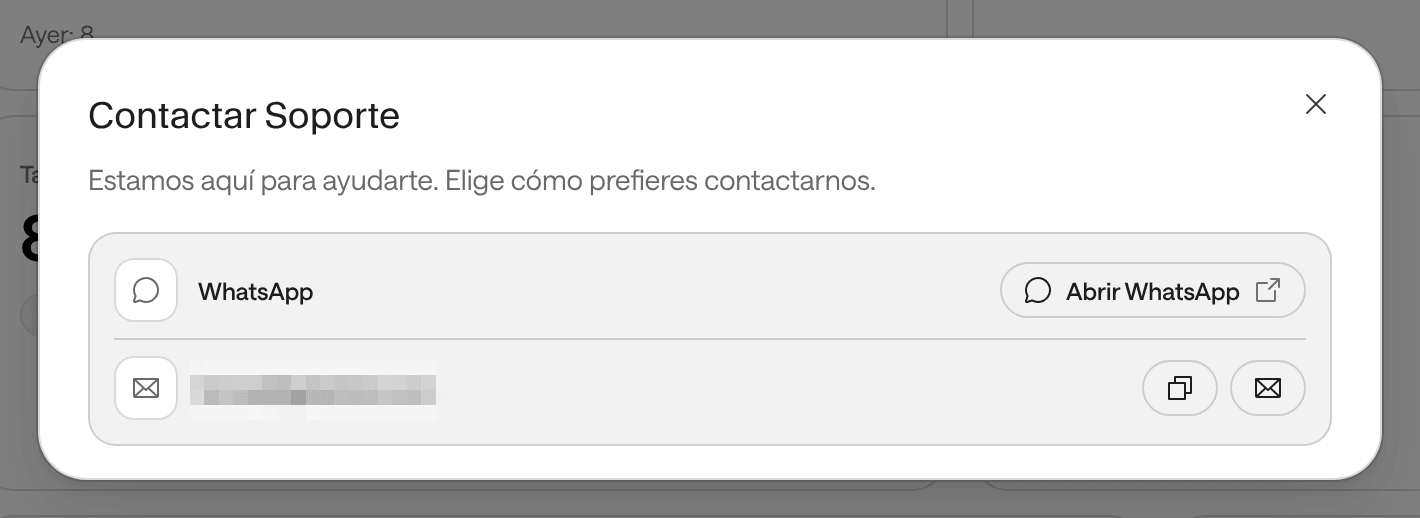
From Raíz: at the foot of the side menu, click Support. Contact Support opens, with an email address and Open WhatsApp.
-
From Account, if you don’t have access to any application yet: on Home, use Email support or Message us on WhatsApp. The message is already written, with your email and your organization. Account has no support button in its menu.
-
By email: write to support@getarbol.com.
What to tell them so they can help you quickly
- Your organization. Its name and, if you can, its ID: your Account administrator finds it under Organization, in Identifiers.
- The application and page you were on.
- What you did and what you expected to happen.
- The exact message you saw. If it says “Reference:” followed by a code, copy it.
- When it happened, with the date and approximate time.
Before you write
- You don’t see something you used to see. Your role may have changed: sign out and back in. See what each role allows in Roles and permissions.
- A word isn’t clear. Look it up in the Glossary.
- You don’t know how to do something. Search this documentation: each application has its step-by-step guides in Raíz, Agenda, Ámbar and Account.