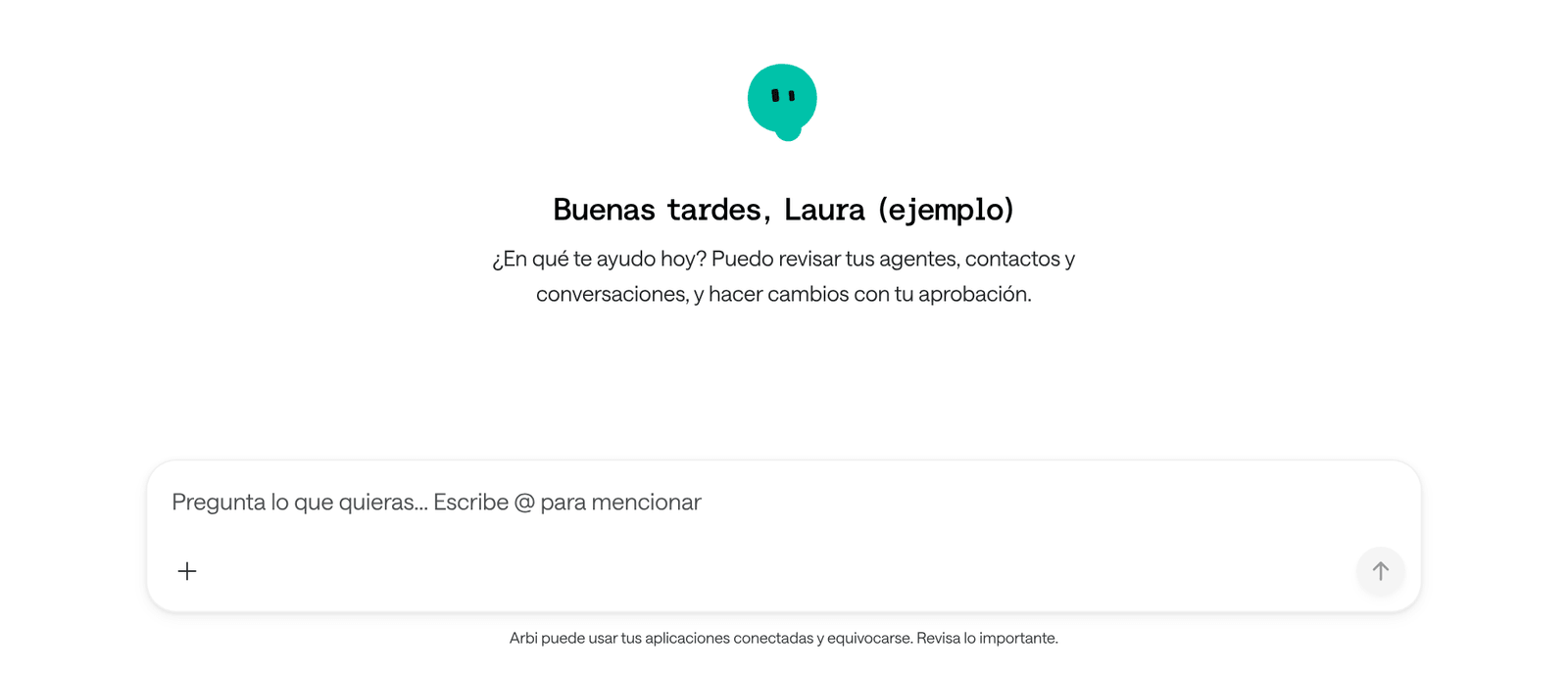
Arbi is your team’s assistant in Arbol. You ask in your own words for a figure, a search, a summary, a PDF report or a change in your apps, and Arbi looks it up for you. It works with your own permissions. Before it creates, changes, deletes or sends anything, it shows you exactly what it will do and waits for your approval.
What it is and what it isn’t
| Arbi is | Arbi isn’t |
|---|---|
| The assistant of the people in your organization: front desk, coordination, nursing, administration, management. | The agent that serves your patients. Patients are served by Raíz agents, with the name your institution chooses. |
| A colleague who looks things up in your apps and prepares changes for you to approve. | Someone with more access than you. It only sees and does what your role allows. |
| Help to find, summarize and prepare work. | The one who decides. Decisions belong to your team, and clinical ones always to a professional. |
Arbi doesn’t write or talk to patients. Its WhatsApp is for your team only. If a number that hasn’t signed in with an Arbol account writes to it, Arbi only answers with the button to sign in. A call reaches a patient only when someone on your team asks for it and approves it, and a voice agent of your organization makes it. See Calls to patients.
Where it is
| Where | How you open it |
|---|---|
| Raíz | Ask AI, at the top of every page, opens Arbi beside what you’re looking at. Arbi, at the foot of the menu, opens its page. |
| Agenda | Arbi, at the foot of the menu. |
| Account | Arbi, at the foot of the menu. |
| You write to Arbi’s WhatsApp number. The first time, you link your WhatsApp to your Arbol account. See Use Arbi on WhatsApp. | |
| Ámbar | Preguntar a Arbi (ask Arbi), at the top of the app. In Ámbar, Arbi has its own history and its own memory. |
| Not available yet. |
In Raíz, Agenda, Account and on WhatsApp you work with the same Arbi. Your conversations and notes follow you from one app to another, and documents are kept in each organization.
Arbi answers in the language you write in. Its screens follow your app’s language; in Agenda, in Ámbar and on WhatsApp they are in Spanish, and this guide gives the Spanish label with its meaning.
How it works
You ask
In your own words, in the app or on WhatsApp.It looks things up
It reads your apps with your permissions, without asking.It proposes
If something must change, it shows you what and waits.You decide
What you approve runs exactly once.
- It uses your permissions. Arbi goes into your apps as you. If your role doesn’t let you see or change something, Arbi can’t either, and each app checks again.
- Looking things up needs no approval; changing does. Searching, reading and counting happen right away. Whatever creates, changes, deletes or sends waits for your Approve. See Approve what Arbi proposes.
- It works in one organization at a time. In the apps, it’s the organization you signed in to. On WhatsApp, you choose which.
- It only remembers what you ask. It saves a note when you tell it to remember something, and it reads the documents you keep in its library. See Notes and documents.
- It can be wrong. Below the message box on its page it says so: “Arbi can use your connected apps and can be wrong. Check anything that matters.”
Who can use it
Arbi shows up if your role in the organization includes it. In Account, Arbi is always in the menu, but it only answers you if your role includes it. In Ámbar, the permission is called Usar Arbi con sus propios permisos (use Arbi with their own permissions). If you don’t see Arbi, ask whoever manages Arbol in your organization.
Choose what you want to do
Open Arbi and chat
Where it is in each app, how to write to it and how to go back to a conversation.
What you can ask
Real examples for Raíz, Agenda, Account and Ámbar, and how to ask well.
What it can do
The catalogue by app: what it looks up, what waits for your approval and what it doesn’t do.
Approve what it proposes
How to read the approval card and what happens when you approve or deny.
Notes and documents
What Arbi remembers, the files it reads and who sees each one.
Use Arbi on WhatsApp
Link your WhatsApp, choose the organization and approve from the chat.
Calls to patients
The calls you ask for through Arbi and Ámbar’s Llamada automática (Arbi).
Privacy and good use
What Arbi keeps, what never to write to it and what to do when it’s wrong.
Troubleshooting
What to do when Arbi doesn’t show up, doesn’t answer or won’t let you type.